
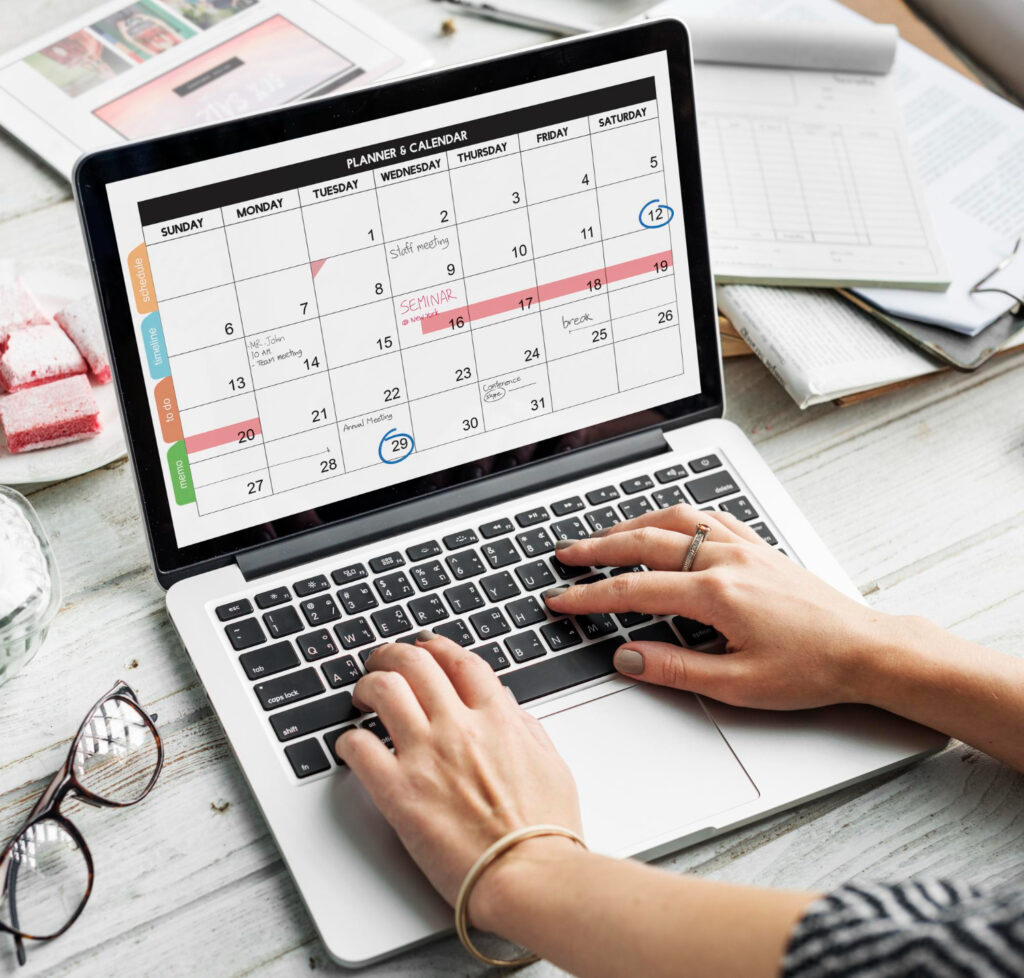
How to Create a Content Calendar for Your Blog
Most bloggers do not fail because they run out of ideas. They fail because they never turn those ideas into a plan. One week they post twice. The next week, nothing. Readers notice. So do search engines.
A content calendar fixes this problem. It turns random bursts of writing into a steady, repeatable habit. It also connects directly to your bigger content marketing strategy, since consistent publishing is one of the clearest signals of a blog that is actually going somewhere.
This guide walks you through building one from scratch, step by step, even if you have never planned content before.
What Is a Content Calendar and Why It Matters
A content calendar is simply a schedule for your blog posts. It lists what you will publish, and when.
That sounds basic. But it solves a real problem. Without a calendar, you write when you feel inspired. With one, you write on purpose.
A good calendar does three things for your blog:
- Keeps your publishing schedule consistent, not random
- Makes sure your topics connect instead of feeling scattered
- Saves you from last-minute scrambling for ideas
Consistency builds trust with readers. It also tells search engines your blog is active and worth crawling regularly. Neither of those things happens by accident.
Content Calendar vs. a Simple To-Do List
These two get confused often, but they are not the same thing.
A to-do list just tracks tasks. A content calendar tracks when and why you publish each piece.
| To-Do List | Content Calendar |
| Lists tasks with no real order | Assigns dates and priorities |
| No connection between items | Groups posts into topics or clusters |
| Easy to ignore | Creates accountability |
| Focused on finishing | Focused on strategy |
A to-do list keeps you busy. A content calendar keeps you moving in one direction.
Step 1: List Your Pillar Topics First
Before you plan individual posts, decide what your blog is actually about.
Pick two or three broad pillar topics your blog should own. Every future post should connect back to one of them.
For example, a food blog might choose:
- Meal Planning
- Budget Cooking
- Healthy Recipes
These pillars give your calendar direction. Without them, you end up planning random posts with no real thread connecting them.
Step 2: Brainstorm Cluster Post Ideas
Once you have your pillars, break each one into smaller, specific topics.
Ask yourself a few simple questions:
- What do beginners ask about this topic?
- What steps make up the process?
- What mistakes do people commonly make?
- What tools or products come up often?
For the “Meal Planning” pillar, cluster ideas might include:
- How to Meal Prep for a Busy Week
- Meal Planning on a Tight Budget
- Best Containers for Meal Prep
Aim for eight to fifteen cluster ideas per pillar. This gives you months of planned content before you even open your calendar tool.
Step 3: Choose Your Publishing Frequency
Be honest about how much you can realistically write.
One strong post per week beats three rushed ones. Quality keeps readers coming back. Rushed content rarely does.
Consider your available time:
- Beginner or part-time blogger: one post every one to two weeks
- Consistent hobby blogger: one post per week
- Full-time or team-supported blog: two to three posts per week
Pick a pace you can actually sustain for six months. A calendar only works if you can keep up with it.
Step 4: Pick a Tool for Your Calendar
You do not need fancy software to start. You need a system you will actually use.
Common options include:
- A simple spreadsheet — flexible, free, and easy to customize
- Trello or Asana — good for visual, drag-and-drop planning
- Notion — great if you like an all-in-one workspace
- Google Calendar — simple if you mainly need dates and reminders
The tool matters far less than the habit of checking it. Pick whichever one you will actually open every week.
Step 5: Put It All Together
Now it’s time to put everything into one place. This is where your content calendar for bloggers template comes together.
At minimum, each entry on your calendar should include:
- Post title — working title, even if it changes later
- Target keyword — the main phrase you want to rank for
- Pillar or cluster — which topic group this post supports
- Publish date — a realistic, not aspirational, deadline
- Status — idea, drafting, editing, scheduled, or published
- Internal links — which existing posts this one should link to
Keep the columns simple at first. You can always add more detail once the habit sticks. A calendar that feels overwhelming gets abandoned fast.
Step 6: Prioritize and Assign Real Dates
Not every idea deserves the next open slot. Some topics matter more right now than others.
Rank your ideas using a few quick questions:
- Does this topic get real search demand?
- Can you write it well with what you know today?
- Does it fill a gap in your existing content?
- Does a competitor already rank strongly for it?
Once you have a rough order, assign dates. Spread similar topics out a bit. Publishing five posts on the same narrow subtopic in one month can feel repetitive to regular readers.
Step 7: Build In Flexibility
A calendar that leaves no room for change will break the first time life gets busy.
Set soft deadlines, not rigid ones. If a post needs more research, let the date shift by a few days instead of forcing a rushed draft.
Also leave a few open slots for:
- Trending topics in your niche
- Seasonal content tied to a specific time of year
- Reader questions that come up unexpectedly
A calendar should guide you, not trap you. Some of your best posts will come from timely ideas you could not have planned months in advance.
Step 8: Batch Your Work to Stay Consistent
Writing one post at a time, start to finish, often causes bottlenecks. Batching fixes this.
Try grouping similar tasks together:
- Spend one session brainstorming several post ideas at once
- Draft two or three posts back-to-back while you’re already focused
- Edit multiple drafts in one sitting instead of switching tasks constantly
- Create images for a handful of posts in one batch
Batching reduces the mental effort of constantly switching gears. Many bloggers find this matters more than motivation ever does.
Step 9: Review and Update Your Calendar Regularly
A content calendar is not a one-time project. It needs regular check-ins.
Set aside time once a month to:
- Move any missed posts to a new, realistic date
- Add fresh ideas as they come up
- Remove topics that no longer fit your blog’s direction
- Check which published posts performed well, and plan follow-ups
Treat your calendar as a living document. It should grow and shift as your blog does.
Common Content Calendar Mistakes to Avoid
A few mistakes trip up most bloggers early on. Watch for these.
Overloading the schedule. Planning five posts a week when you can realistically manage one sets you up to fall behind immediately.
Ignoring keyword research. Picking topics with no search demand means writing into silence, no matter how good the post is.
Skipping internal links. A calendar that ignores how posts connect misses one of the biggest SEO benefits of planning ahead.
Treating the calendar as fixed. Refusing to adjust dates when life happens leads most bloggers to abandon the calendar entirely.
Never reviewing performance. A calendar built once and never revisited stops reflecting what your audience actually wants.
Final Thoughts
A content calendar will not write your posts for you. But it will stop you from staring at a blank page wondering what to publish next.
Start small. Pick your pillar topics, brainstorm a batch of cluster ideas, and choose a publishing pace you can actually keep. Build your first simple content calendar for bloggers template, even if it’s just a basic spreadsheet with five columns.
The blogs that grow steadily are rarely run by the busiest writers. They’re run by the most consistent ones. A calendar is what makes that consistency possible.
Frequently Asked Questions
What is a content calendar for a blog?
A content calendar is a schedule that lists what you’ll publish and when. It keeps your posting consistent and organized around clear topics.
How far in advance should I plan my content calendar?
Most bloggers plan four to eight weeks ahead. This gives enough structure without locking in ideas too far in advance.
What should be included in a content calendar?
At minimum, include the post title, target keyword, pillar topic, publish date, and current status of each post.
Do I need special software for a content calendar?
No. A simple spreadsheet works fine for most bloggers. Tools like Trello or Notion just add extra visual organization.
How often should I update my content calendar?
Review it at least once a month. Add new ideas, adjust missed dates, and remove topics that no longer fit your blog.
Can a content calendar help with SEO?
Yes. Planning around clear pillar topics and keywords makes it easier to build internal links and cover subjects thoroughly, which supports better rankings.